THE PLAYBOOK · XINGYUANKC
Rules, controls and help for Visual Memory
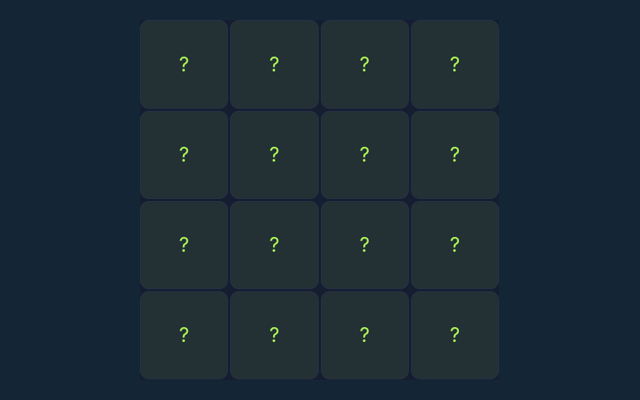
Start Visual Memory by looking at the playing area and its controls. Select every square that was shown. Selecting an unshown square ends the session. Keep the game area visible while you use its controls. Use the opening round to become familiar with the layout. Keep the game area visible while you use its controls.
Practice with a purpose
Take enough time to read a new position. If a game has a timer, learn its controls first rather than searching for them during the round. Keep the objective visible.
Understand the aim
Select every square that was shown. Selecting an unshown square ends the session. Use the instructions to see which actions move you towards it. Check the rules when you are unsure.
Start here and follow along
- Start a round and watch the highlighted cells.
- Wait until the board hides the pattern.
- Select the positions you remember; order does not matter.
- Complete the pattern to advance.
Your inputs
Use the on-screen controls with a mouse or touch. Read a button’s label before selecting it. Use one clear input at a time.
An example to follow
If the four corner squares were shown, select those four corners in any order. Focus on why the action is allowed, not only its outcome. Keep the game’s format in mind.
Check this before moving on
Unlike Sequence Memory, this game does not require the original order. Compare the situation with the worked example. After a move, check what changed. Decide which rule explains the new state before acting again.
Clarifying the way this game works
Before I begin, what is the goal of Visual Memory?
Select every square that was shown. Selecting an unshown square ends the session.
On this playing page, how do I control Visual Memory?
The key detail is this: Use the on-screen controls with a mouse or touch.
While reading the Guide, what example helps explain Visual Memory?
For clarity: If the four corner squares were shown, select those four corners in any order.
When I return, what should I watch out for in Visual Memory?
For clarity: Unlike Sequence Memory, this game does not require the original order.
Before I begin, what format does Visual Memory offer?
The key detail is this: Play using the solo mode shown on this page. Read the controls before starting a new round.
When I return, which play mode does Visual Memory use?
The key detail is this: The mode on this page is Solo. Same-device play uses one screen; this game library does not provide internet matchmaking.